|
VRay Advanced Resources
VRay for 3ds Max, Maya, SketchUp, Rhino, RealTime, tutorials, documentation, helpful tips, news, and demos.
Looking to purchase? Visit our product pages on the left.
Scroll down to see our specials and newest VRay info or use our resources box on the left to find what you may be looking for!
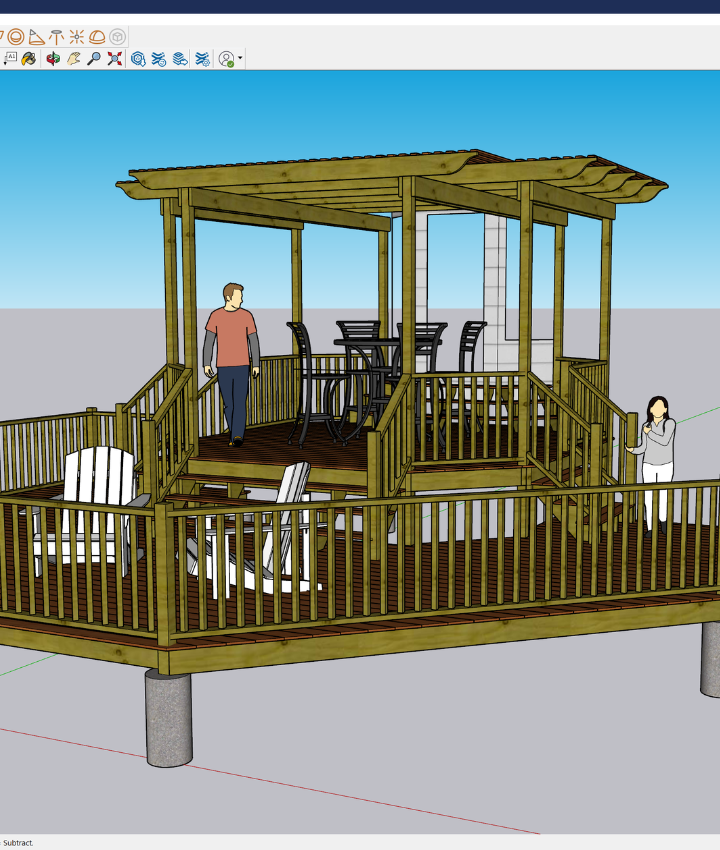
| Quick, easy, cost efficient SketchUp renderer! |
VRay for SketchUp for Mac or PC

The new version of V-Ray for SketchUp is here!
VRay for SketchUp in 3D World Magazine, June 2010 Download article (pdf)
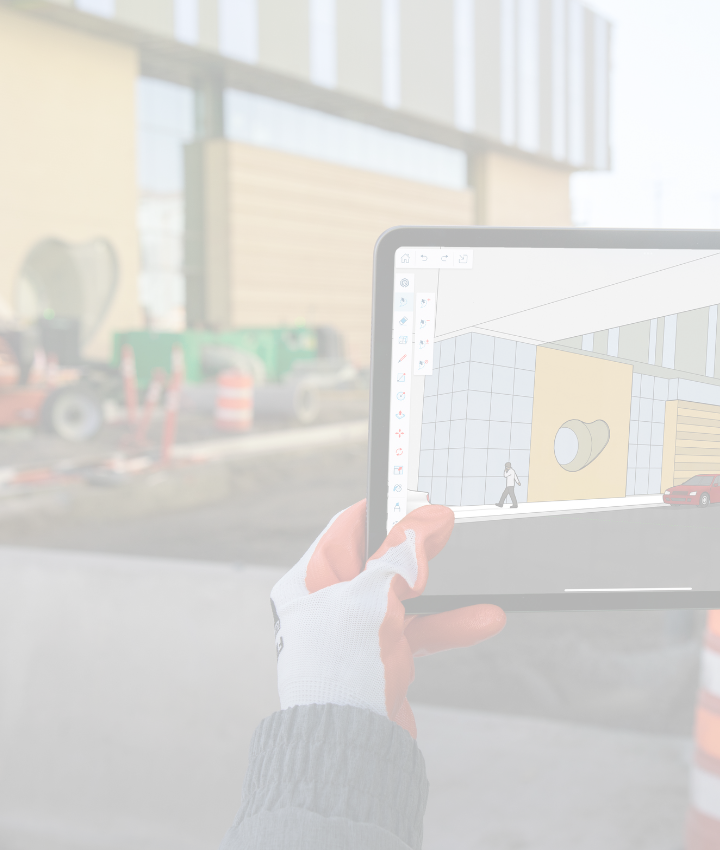
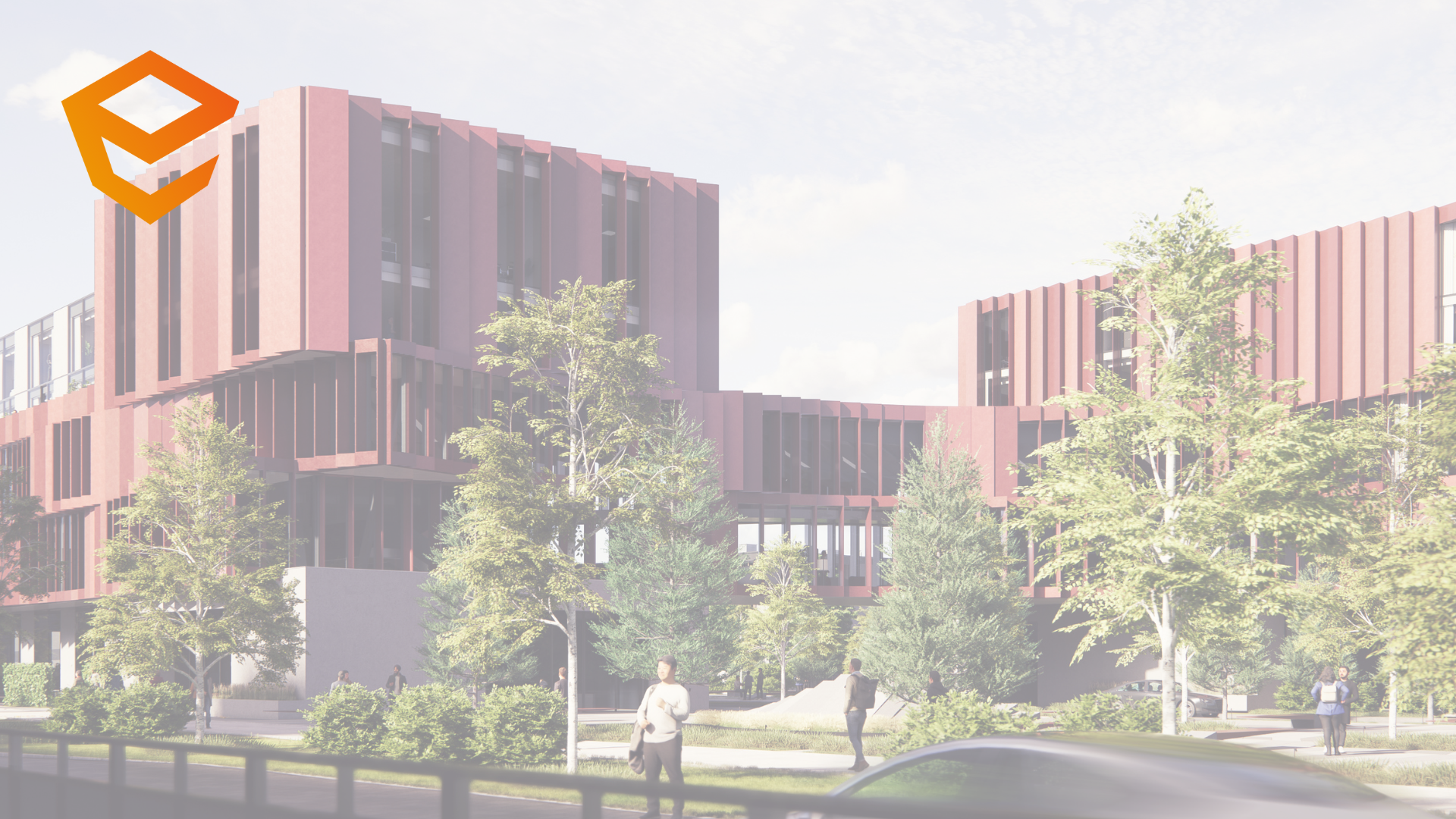
SketchUp is one of the most widely used and easy to learn 3D Modeling software on the market today. With V-Ray for SketchUp, users now have one of the most powerful rendering tools available to visualize their models with the utmost quality and realism. V-Ray works within the SketchUp environment allowing users to be able to efficiently incorporate the task of rendering within their current workflows.
Only $720 - Click here for more details
****VRay for Rhino also Only $720 ****
|
|
|
| V-Ray for Maya |
VRay for Max 1.50 SP5 Now Available!
The V-Ray 1.50 Service Pack 5 is compatible with Autodesk 3ds Max 8, Autodesk 3ds Max 9, Autodesk 3ds Max 2008, 3ds Max 2009, Autodesk 3ds Max Design 2009, Autodesk 3ds Max 2010, Autodesk 3ds Max Design 2010, Autodesk 3ds Max 2011.
Plus much more!
More info here |

|
VRay RT SP 2 Now Available!
It is fully compatible with the new Autodesk 3ds Max 2011 as well as with our most recent release of V-Ray for 3ds Max, 1.5 SP5
New Features:
(*) Options to turn on/off rendering of proxy objects, X-Ref scenes and particles!
(*) Support for stereoscopic rendering with different preview types (anaglyph, interlaced, checker, dual-window)!
(*) Adaptive sampling support with the ability to stop the RT once noise has cleared to some level!
More info here |
|
|
|
| VRay RT Demos |
View 9 New movies demonstrating VRay RT in action. |
It's amazing! Real Time, VRay rendered viewports, updated nearly
instantly as you adjust lights, cameras, materials, almost anything.
Over an hour of 1024x768 demonstrations of VRay RT by Jim Lammers,featuring complex Evermotion Exteriors and Interiors.

|
 |
Bonus, see VRay RT harnessing 56 XEON cores for amazingly fast interior renderings.
Click here to watch the demo movies
RT gives you a constantly updating render preview of your scene by utilizing your idle CPU power.
*Requires VRay 1.5 SP3 or higher and 3ds max 8, 9, 2008, 2009 or 2010 (any version).
VRay RT is NOT compatible with VRay EDU.
All the details on VRay RT product page
Buy VRay RT Now |
|
|
| Special Bundles |

Interested in purchasing V-Ray?
Choose the Bundle best for you
|
Complete Bundle - $1239
Includes:
VRay Advanced for 3ds Max
VRay RealTime
1 Gnomon Training DVD
1 3ds Max Character Modeling DVD
1 VRay T-shirt
$175 Value FREE
More Details
|
|
|
|
| Evermotion Products |
|
Browse our large collection of Evermotion Products
Learn with these collections of professional 3d models and interiors/exteriors in V-Ray.

ArchModels - Add top quality props to your scene within minutes. Archmodels provides professional high quality 3D models for your architectural visuals. Vast selection of 3d models: furniture, appliances, plants, etc.
ArchInteriors/Exteriors - provide finished, top-notch architectural exteriors/interiors set up for use with VRay to get photo real results. You just load and render! You can dissect the scene file to learn how it was done. Each CD contains 10 scenes.
View Evermotion Collection
|
|
|
| New Free Tutorials Now Available |
|
New Free Tutorials
Now Available
 |
Blending Irradiance Maps in VRay 1.50
for 3ds Max/VIZ
Many of you out there have probably run into the problem of needing motion in a GI lit scene. Usually this results in splotchiness and noise that swims around. V-Ray 1.50 has come up with a solution to address this. You can pre-calculate, and blend your irradiance maps together with the following steps...
Click here to read tutorial |
|
 |
Simulating Self-Illumination
Materials with VRay 1.50 for 3ds
Max/VIZ
V-Ray materials don't have a self-illumination setting like standard materials do. Sometimes you may need a vray material to provide its own illumination and there is a way to do that. If you make a vraylight material and assign a map to the color channel, you achieve a self-illuminated material in
VRay. A V-Ray light material looks practically identical to a standard material with self illumination at 100.
Click here to read this tutorial |
|
|
|
VRay for Max - VRay RT - VRay for Maya - SketchUp - Rhino - Cinema 4D - Free Demos - sitemap
|
Follow our newsfeed for all latest product updates and discounts
|